
Searching Cases by Name
The Fourth Judicial District public-access instructions name Case Lookup as the route open to the general public, covering New Mexico appellate, district, magistrate, metropolitan, and municipal case information. Confirm the court level first. Then search with a party's last and first name. A broad name result narrows fast once you add the San Miguel location, a case category, a filing date, a judge, or a status, and that keeps you from typing extra personal details into a public screen.
The lookup will find a case and its register of actions. It will not always open every filing image. Before calling the clerk of the responsible court, jot down the case number, the court location, the status, and the next hearing from the likeliest match.
The Fourth District's public-access page lays out the official choices a San Miguel County case searcher can use.
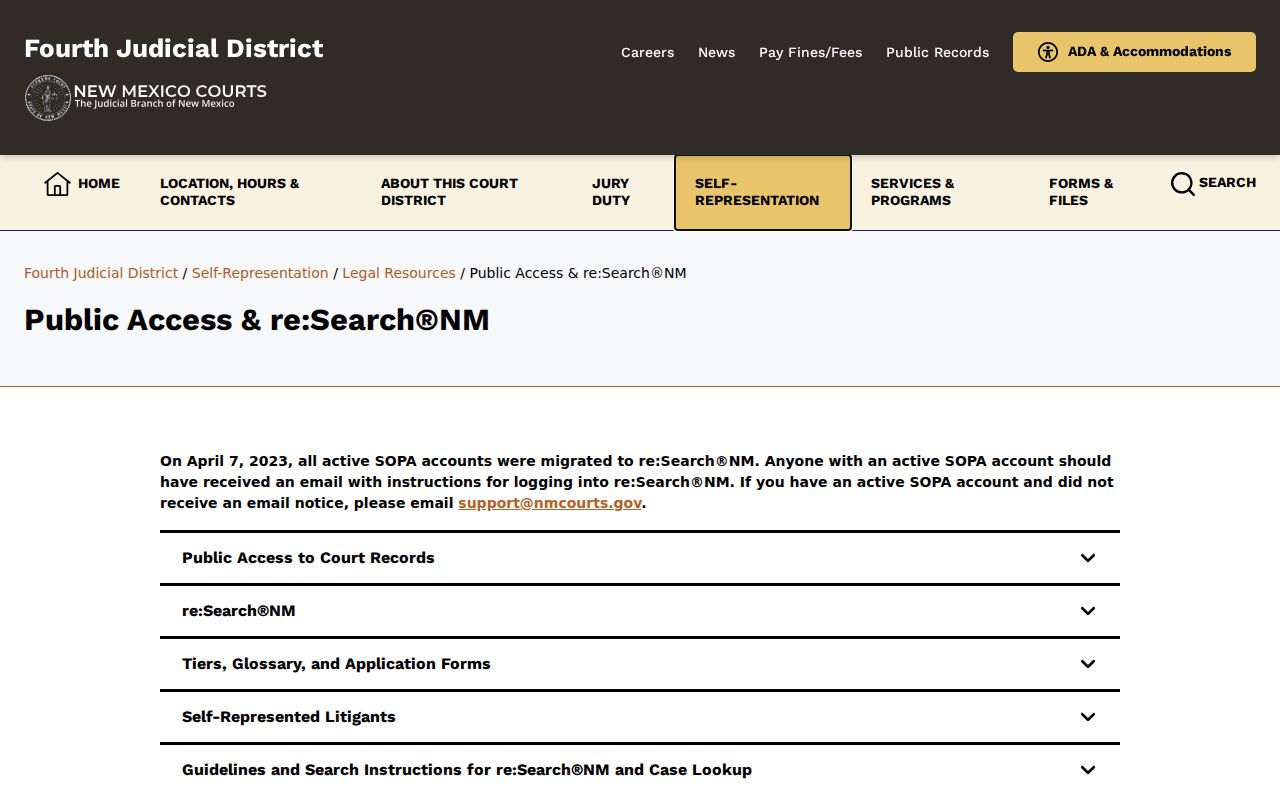
Those options split a general-public lookup from a registered-access route, and the difference matters when a docket event shows up without its document image.
- Open New Mexico Case Lookup and confirm the court level or location before entering a name.
- Enter the party last name and first name, then review the San Miguel County location and case type on each result.
- Use a filed-date range, status, judge, or category filter if the result set is wide. Choose All rather than Open when a closed matter may be relevant.
- Open the case details permitted to the public tier and record the case number, status, and next hearing before seeking a register or clerk confirmation.
| Field | Type | Required | Official-use note |
|---|---|---|---|
| Party first and last name | Text | Unspecified | Used for party searches in the official guide. |
| Case Number | Text | Optional | Use an exact number when it is known. |
| Case Status | Dropdown | Optional | All, Open, and Closed are documented choices. |
| Date Filed | Date range | Optional | The guide names On or After and On or Before filters. |
| Location and case category | Filter | Optional | Use San Miguel where available and then refine by category. |
Note: The live public application runs on JavaScript, so the controls on screen may differ from the search fields documented in the registered guide.
San Miguel County Case Search Court Choice
A missing result often points to the wrong court, not to a case that never existed. The Fourth Judicial District takes district matters: felony, civil, domestic, foreclosure, name-change, and certain protection-order cases. San Miguel Magistrate Court handles lower-value civil matters, misdemeanors, DWI, traffic, and felony preliminary hearings. Las Vegas Municipal Court is its own city court, limited to municipal matters such as ordinance and traffic cases. The city page offers no public online docket search.
Probate takes a second routing decision. Informal or uncontested probate goes through the county probate office. Contested probate lands in district court. Federal cases never appear in the New Mexico system. They live in PACER and CM/ECF. Appeals are different. They run on a separate New Mexico Court of Appeals docket, not a San Miguel trial-court search.
Phone numbers keep it simple. District cases: call the district clerk at 505-425-7281. Magistrate cases: 505-425-5204. City matters go to Las Vegas Municipal Court at 505-425-9403. Picking the right court from the start makes a San Miguel County case search far more reliable.
Searching by Case Number
An exact case number is the sharpest key for a San Miguel County case search. Type it exactly as shown. Follow the court notice or prior filing, punctuation included, if the portal displays it that way. The official guide documents a Case Number field. It publishes no verified San Miguel numbering pattern, so an invented year, type code, or sequence can steer the search wrong.
Use the exact court-issued case number. It works whenever you call a clerk, file an IPRA request, or check the register. If the number returns nothing, check the court level and the punctuation first. District, magistrate, municipal, probate, and federal cases each carry their own number series. There is no shared local format.
Once a result opens, read the filed date. It marks the day the case entered the system. It is not the date of every later docket event. Each filing or hearing row carries its own event date. Those rows let you follow the case.
San Miguel County Case Search Filters
Case Lookup is the public statewide layer, not a database San Miguel County owns. Choose the San Miguel location when it appears. Then try an exact number first. Or pair a party name with category, status, and filed-date filters. The options on the current screen control the search. Rely on what it shows. Do not guess at a field list.
The lookup's job is to locate general public case information. Let the result point to the right clerk. The court may be district, magistrate, or municipal. Call that clerk for docket confirmation. A hearing coming up soon can be checked against the Fourth District schedule. That schedule does not replace the full register.
The statewide Case Lookup application is the public layer a San Miguel County case search uses before the case moves to the responsible court.
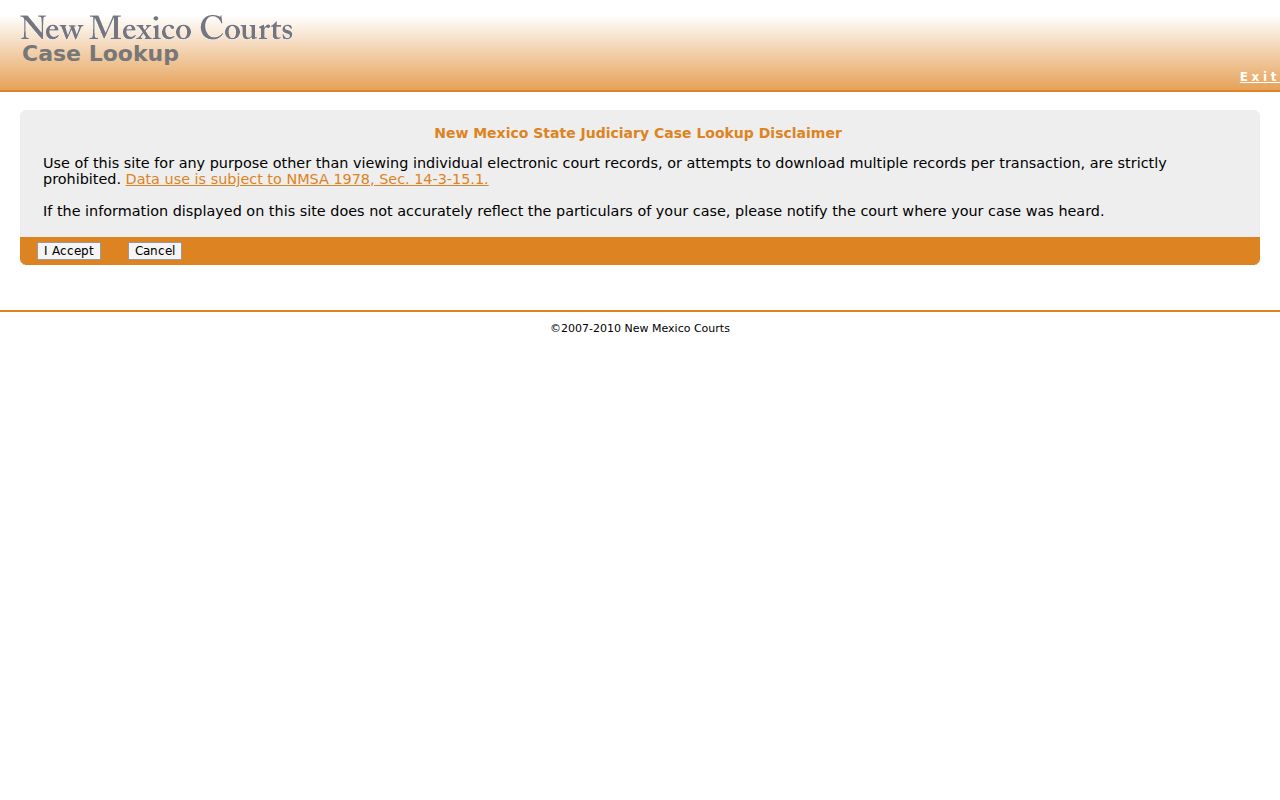
The public search can identify a case and its basic events, while document availability still depends on the record type and the access rights attached to a filing.
What a Case Search Returns
A San Miguel County result row packs a lot in. It can carry the basics. A case title, number, location, type, parties, attorneys, judicial officer, and filed date may all appear. Case Details can go further. A description, category, assigned judge, status, related cases, charges, hearings, filings, and a sealed-case indicator may all appear there. The access tier and the case type shape what shows up. Keep this in mind. A public result is only an index into the court record, not a certified copy.
The register of actions is the docket itself, a chronological account of filings and court events. Read it with care. A motion entry means a request, not a ruling. A scheduled hearing is not proof it took place, and a listed charge is not a final disposition. So pause before concluding anything. Look for a later order, result, cancellation reason, judgment, dismissal, plea, or other exact outcome entry.
| Case number | The unique court identifier to preserve exactly for requests and follow-up. |
|---|---|
| Case style and description | The public-facing title and the court's case description can appear separately. |
| Location and type | Shows the court location and the category or narrower case classification. |
| Filed date and status | Shows when the case began and an Open, Closed, or Unknown system status where available. |
| Hearings and filings | May show date, time, type, judge, location, result, filing title, dates, and document security. |
| Document security | Explains why a docket event can be visible while an image remains unavailable. |
Note: Trust the portal's own disposition wording. Do not turn a pending entry or a closed system status into a conclusion about the case.
San Miguel County Case Search Modes
Two routes carry San Miguel County case records online. One is public, one needs an account. Registered users with the right role get into re:SearchNM, the Odyssey access layer that took over from active SOPA accounts in 2023. Its guide lists several search modes: Cases, Text in Docs, Hearings, and Filings. Cases is the plain case-details route. Hearings and Filings each search their own metadata. Text in Docs is a subscription product, so do not mistake it for a free public-document search.
Filters are plentiful. The guide covers attorney, party, location, category, case type, status, filed date, judge, hearing date, hearing type, and filing code. Be careful with the attorney field. CAID is an attorney identifier, not a New Mexico bar number. Account tools such as case alerts are described too, but they belong to registered sessions and do not reach someone using anonymous Case Lookup for a docket search.
The re:SearchNM portal shows the registered case-search modes, filters, and account tools exactly as the judiciary's public-access materials describe them.
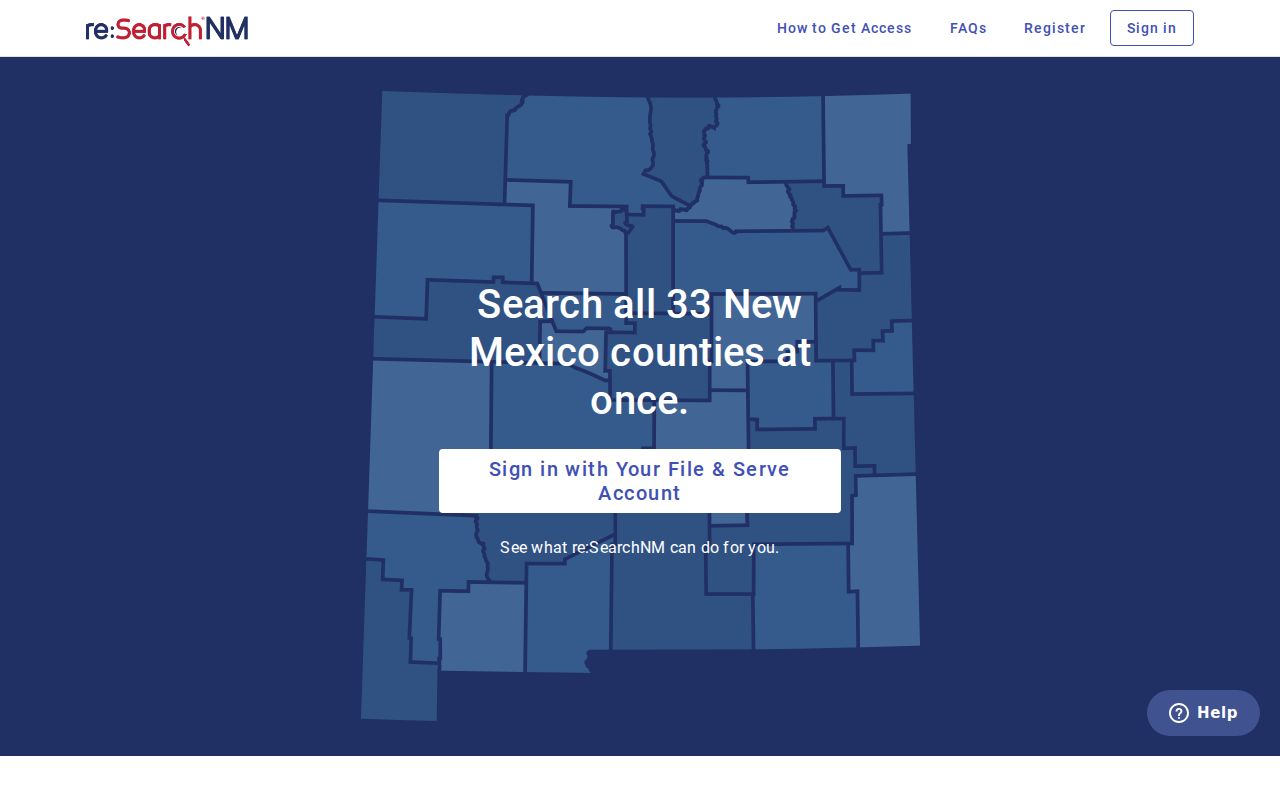
Registration status and your relationship to a case both affect the detail this portal shows. A broader view of a San Miguel court file is not the same as unrestricted access.
Statewide vs County Case Search
No separate public case database exists for San Miguel County. The statewide public route is Case Lookup. The registered route is re:SearchNM, limited by role. The rest stays local. That means the selected San Miguel court, the clerk of the responsible court, and the Fourth District's short-window hearing schedule. For a court date coming up soon, check the scheduled-calendar view first. Then go back to the case record for the fuller docket.
The old Secure Odyssey Public Access login now matters only as a legacy reference. Current court materials send the public to Case Lookup. Qualified registered users go to re:SearchNM. Attorneys filing civil or criminal cases go through File & Serve. They skip the public case-search screen.
The legacy Secure Odyssey login still displays the older account page. New Mexico's current public-access materials have moved away from it.
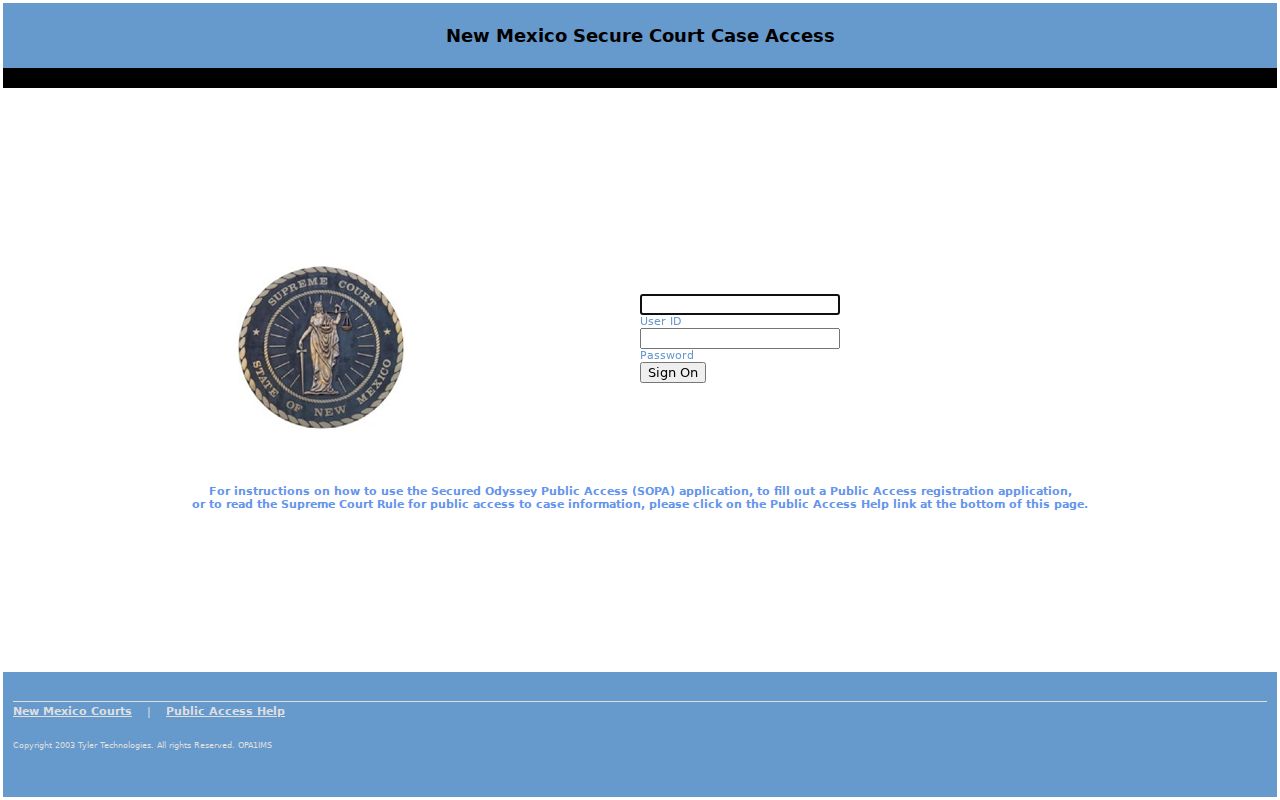
For a San Miguel County case search, use Case Lookup or re:SearchNM. Do not treat the older login as the source of a new search.
| Route | What it covers | Best use |
|---|---|---|
| Case Lookup | General public information for participating New Mexico court levels. | Find a San Miguel case by number or name and view public case details. |
| re:SearchNM | Registered Odyssey access with information based on the user's role and rights. | Use documented Cases, Hearings, or Filings controls when authorized. |
| Fourth District schedule | San Miguel district and magistrate hearing schedules in a short current window. | Confirm a near-term setting, then verify omissions with the responsible court. |
| Clerk or IPRA | Local inspection and written-request routes for records not available online. | Ask about an older, missing, or copy-needed public record. |
San Miguel County Case Search Print View
Print View in re:SearchNM produces the register of actions available to your account. It is not a certified court record. A printout still helps. It can name the filing or order you need. Certification, if available, must come from the clerk of the responsible court. That distinction matters when a case detail view shows an event but not the document image.
Rule 1-079 NMRA treats the register of actions and docket entries as court records. Sealing and identifier protection still apply. The judiciary's online case-access policy makes access to documents case-specific, resting on redaction, digitization, authorized rights, and the relevant access group. Bulk downloading is prohibited under the cited judiciary orders.
Record versus document. A public docket entry can confirm that an event occurred in the register without making the attached filing image public or certified.
Access and Restricted Cases
Rule 1-079 and the online access policy govern this. They split public, redacted court records from sealed or otherwise protected ones. A gavel icon in re:SearchNM can mark a sealed case. Document-security fields can limit a filing even while the event stays on the register. Case Lookup also holds things back. It excludes or limits some personal information. Juvenile criminal information is held back too. So are certain family-violence protection matters and portions of municipal data. A missing result does not prove a proceeding never existed.
Stay on the lawful route when a result comes back incomplete. Check the court level and the exact case number. Then ask the clerk which public-access route is available. Ask for hearing or setting information, not protected content. Do not try to bypass a restriction with a people-search service or commercial aggregator.
Note: A sealed or restricted marker reflects a court rule, order, or access right. It is not a technical error to work around.
San Miguel County Case Search Fallback
A San Miguel County case search can come back empty. Keep the court name handy. So is the exact case number, the date range, and the record type you need. District cases belong to the clerk at 496 West National Avenue. Call 505-425-7281. Magistrate cases go to 1927 Seventh Street at 505-425-5204. Las Vegas Municipal Court sits at 727 Grand Avenue. It takes calls at 505-425-9403. Its email is lvmc@lasvegasnm.gov. Call before mailing, faxing, or emailing a copy request, since no single processing time applies to every local office.
A court record can be missing online. It may be historical or need a formal inspection request. Then turn to the judiciary's IPRA form. Describe the court location and the responsible court or department. Add the case number and the record type. Keep the request focused. The state law behind this route is NMSA Chapter 14, Article 2. Sealed records stay sealed, though. Anything pre-1997 goes through this written path rather than the live application. Don't assume an older filing will appear on screen.
Another channel for a San Miguel hearing coming up soon is the Fourth District schedule. Federal cases are different. PACER and CM/ECF handle those. Need a specific setting? The San Miguel County court calendar shows how the district schedule, your case results, and clerk confirmation fit together.