
How to Get Court Records
A request goes fastest with four things. Have the case number, the court, the record type, and a date range ready for any San Miguel County court-record request. New Mexico Case Lookup gives the public a free route to basic case events. Registered users can turn to re:SearchNM. The right role unlocks case, hearing, filing, and document detail. Still, a portal result never promises a public image. It never promises a certified copy either.
Where you go next depends on the court. District material belongs to the Fourth Judicial District Court clerk or court office. Magistrate records go to the lower court. City cases go to Las Vegas Municipal Court. Visit the responsible court to inspect files in person or clear up details by phone. Confirm the office’s current procedure before mailing, faxing, or emailing anything. Published local channels include district fax 505-454-8611, magistrate fax 505-425-0422, and municipal email lvmc@lasvegasnm.gov.
- Locate the San Miguel County case through Case Lookup or identify the court from the case number.
- Choose the record sought, such as a register of actions, a signed order, a judgment, a filing, or hearing audio.
- Check the public result or re:SearchNM access. Record the court location, case number, and filing or hearing date.
- Ask the responsible court clerk about inspection, copy type, and its current local fee.
- Use judiciary IPRA when the public record is not online or is historical. Confirm a mail, fax, or email route first.
Note: The best San Miguel County request names one court, one case number, and the smallest useful document or docket entry. Keep it narrow.
San Miguel IPRA Record Requests
Some state court records never appear through online access. For those, the New Mexico Judiciary IPRA portal is the written-request route. The form asks for the court location first. It also wants the court or department you believe is responsible, your contact information, the record type, the case number, and a short description. That structure suits San Miguel County well. The district, magistrate, municipal, probate, and County Clerk offices simply do not hold the same material.
Ask for a precise item. A register of actions, a dated judgment, a titled order, or hearing audio works better than a whole case file. IPRA permits charges for the actual cost of mail, email, or fax transmission. But the court cannot charge you for deciding whether a record is disclosable. Sealing, protected identifiers, juvenile rules, and other restrictions still apply. The judiciary IPRA portal lays out that state court request path. Use it whenever public online access falls short.
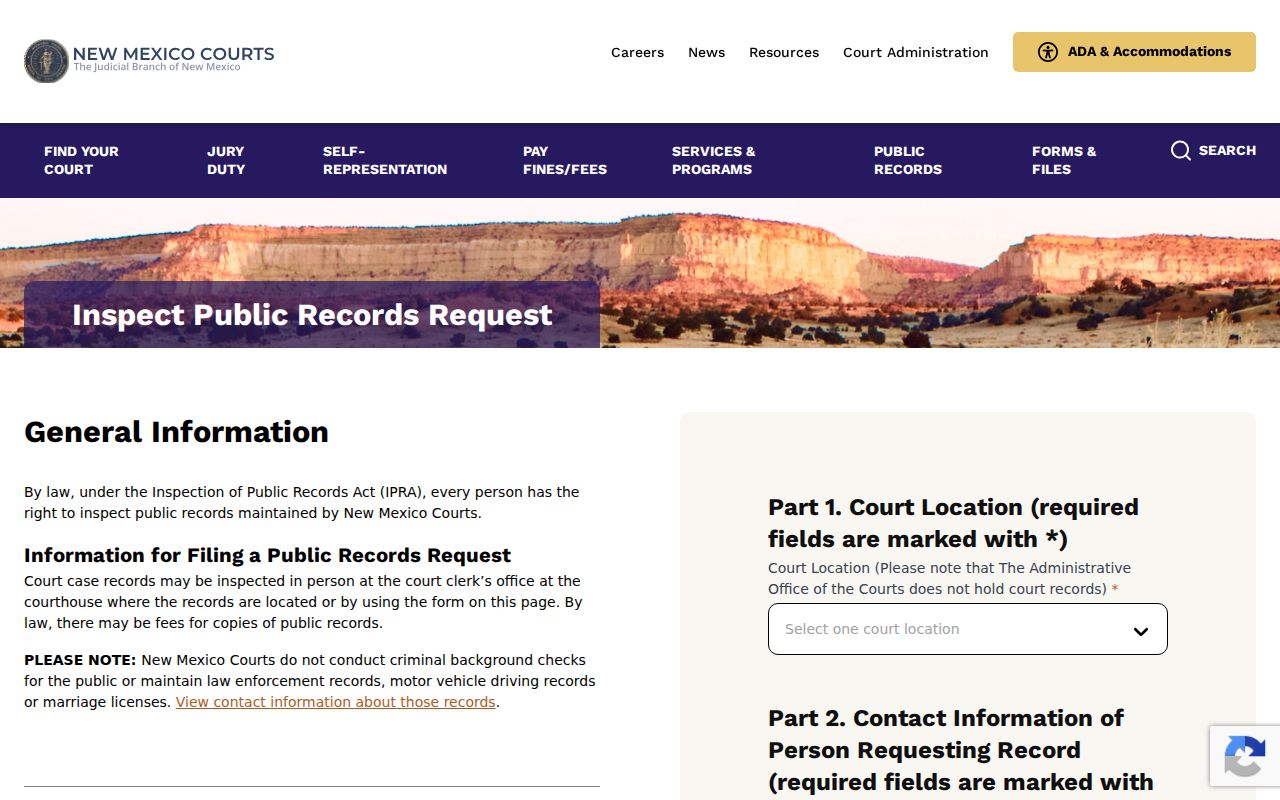
Give the exact San Miguel court and case details in an IPRA request. That helps the responsible office pull the court record instead of treating it as a countywide search.
Types of Court Records
Each court keeps its own material in San Miguel County. A district file can hold its register, documents, exhibits, hearings, orders, and judgments, all subject to access rules. Magistrate and municipal courts maintain separate records. Probate and federal cases follow their own routes entirely.
- Registers of actions or docket entries showing what was filed, set, entered, or decided
- Filed documents, pleadings, motions, responses, and attachments where public access is allowed
- Signed orders, judgments, decrees, dismissals, and other court-entered results
- Hearing information, including date, time, type, location, and result or cancellation reason when available
- Exhibits, transcripts, and hearing audio that may require a separate request or access review
- Probate material held through the Probate Court or district-court material when a probate matter becomes contested
Not every San Miguel County record is online. Court records from before 1997 may require the judiciary IPRA route, and a public docket entry can exist even when the filed image is not available.
San Miguel County Clerk Boundaries
The San Miguel County Clerk does not keep the Fourth Judicial District Court docket. That job belongs to the district clerk. The County Clerk holds county administrative records instead. Recorded land documents, marriage records, UCC filings, and election material sit there as well. The Fourth Judicial District Court clerk or court office keeps the district-case material. That means registers, filings, settings, judgments, and files. Knowing the difference keeps a court-copy request from landing at the wrong counter.
| Office | Records boundary | San Miguel contact route |
|---|---|---|
| Fourth Judicial District Court | District-court dockets, filings, hearings, judgments, and district case files. | 496 West National Avenue, Las Vegas; 505-425-7281. |
| San Miguel County Magistrate Court | Its own lower-court cases and records. | 1927 Seventh Street, Las Vegas; 505-425-5204. |
| Las Vegas Municipal Court | City-court cases, including city offense and traffic matters. | 727 Grand Avenue, Las Vegas; 505-425-9403. |
| San Miguel County Clerk | County administrative, land, marriage, UCC, and election records, not district-court certification. | 500 West National Avenue, Suite 113; 505-425-9331. |
The San Miguel County Clerk page describes the county-records office and its separate responsibilities.
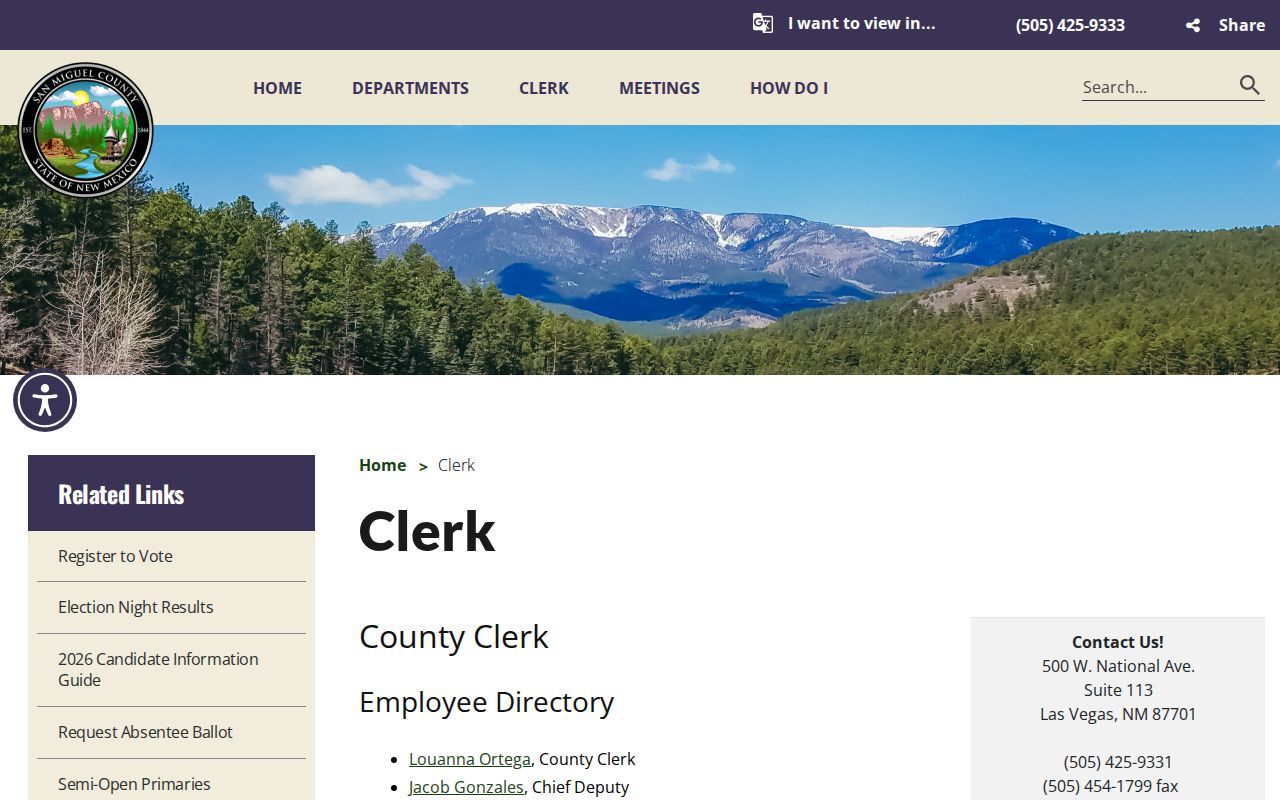
County public-record questions can go to the County Clerk. A San Miguel court case file, though, belongs to the clerk of the responsible court.
Note: Probate records have another route. Informal and uncontested matters begin with the San Miguel County Probate Court, while contested matters move to district court.
What a Court Record Contains
A San Miguel County court record holds more than the visible docket. In re:SearchNM, the Case Details screen can list the case description and number, location, type, filed date, judge, status, related cases, charges, hearings, and filings where access permits. Filing details can add comments and a description. They can also add page count and document security. Not every field or image is public in every case, so expect gaps.
| Case header | Case number, description, location, category, type, filed date, judge, and status may appear. |
|---|---|
| Register of actions | A chronological record of events showing what was filed, entered, scheduled, or decided. |
| Filings | Filing type or code, title, dates, location, page count, description, comments, and document security where access permits. |
| Hearing record | Date, time, hearing type, judge, location, and a result or cancellation reason when available. |
| Related material | Related cases, charges, exhibits, transcripts, and other material may be available only under the court’s access rules. |
A court record is not the same as a one-line portal result. The register builds an event trail. A filing is the underlying submission, and a certified copy is a clerk-authenticated copy made for an official purpose.
San Miguel Filing Image Limits
A San Miguel County filing can appear on a docket with no public image behind it. Several things cause that. The record may not be digitized. Its document security may block the image. The account may lack access rights, or the material may be protected or sealed. A visible event does not prove the full document is online. Case Lookup offers redacted public access. re:SearchNM access depends on the registered user’s role and relationship to the case.
When an image is missing: confirm the court location and case number, identify the specific filing or order, then ask the clerk of the responsible court or use IPRA for the public record. A sealed or restricted indicator is an access limit, not an invitation to search elsewhere.
Name the record when you request San Miguel County documents. Do not assume a request for every paper in a case will be available or appropriate. Personal identifiers need the same caution, since New Mexico rules protect them in public copies and online images.
Certified Copies and Fees
Know what you are asking the clerk for. A plain copy just lets you read or take home the papers. A certified copy carries the clerk's authentication. Most official purposes demand that. Each type goes to the clerk of the court holding the case. San Miguel posts no current fee schedule for plain, certified, exemplified, audio, or electronic copies. So ask the clerk what each one costs before you send anything.
| Copy or request item | Fee or status |
|---|---|
| San Miguel plain court copy | Confirm the current local amount with the responsible court clerk. |
| San Miguel certified court copy | Confirm the current local amount and certification procedure with the responsible court clerk. |
| San Miguel exemplified court copy | Confirm availability and the current local amount with the responsible court clerk. |
| Second Judicial District model form only | $0.35 per page, with $1.50 per-document certification or $4.50 exemplification. These are not verified San Miguel fees. |
| IPRA transmission | Actual mail, email, or fax transmission costs may be charged; no fee may be charged to decide whether a record is disclosable. |
Fourth Judicial District Court
496 West National Avenue
Las Vegas, NM 87701
505-425-7281
Monday-Friday, 8:00 a.m.-4:00 p.m.
Note: The statewide model lays out the copy choices and request fields. Treat it as an illustration only. Confirm any San Miguel court fee with the clerk first.
San Miguel Court Audio Requests
Hearing audio often takes its own request, separate from the docket or the document file. The state judiciary's audio-request form asks for the party names. It also wants the case number, the year, and the case type. You can list up to ten hearings. Each needs a description and date. Then choose FTR or a CD player. The form also asks whether log notes or exhibits should be included. Nothing in that model sets a San Miguel County fee or turnaround. So confirm those details with the local clerk before relying on them. Ask the clerk to verify the audio exists. Have the clerk name its available format, quote the cost, and explain any transcript arrangement.
The state judiciary audio-record request model shows the hearing-specific details an effective request needs.
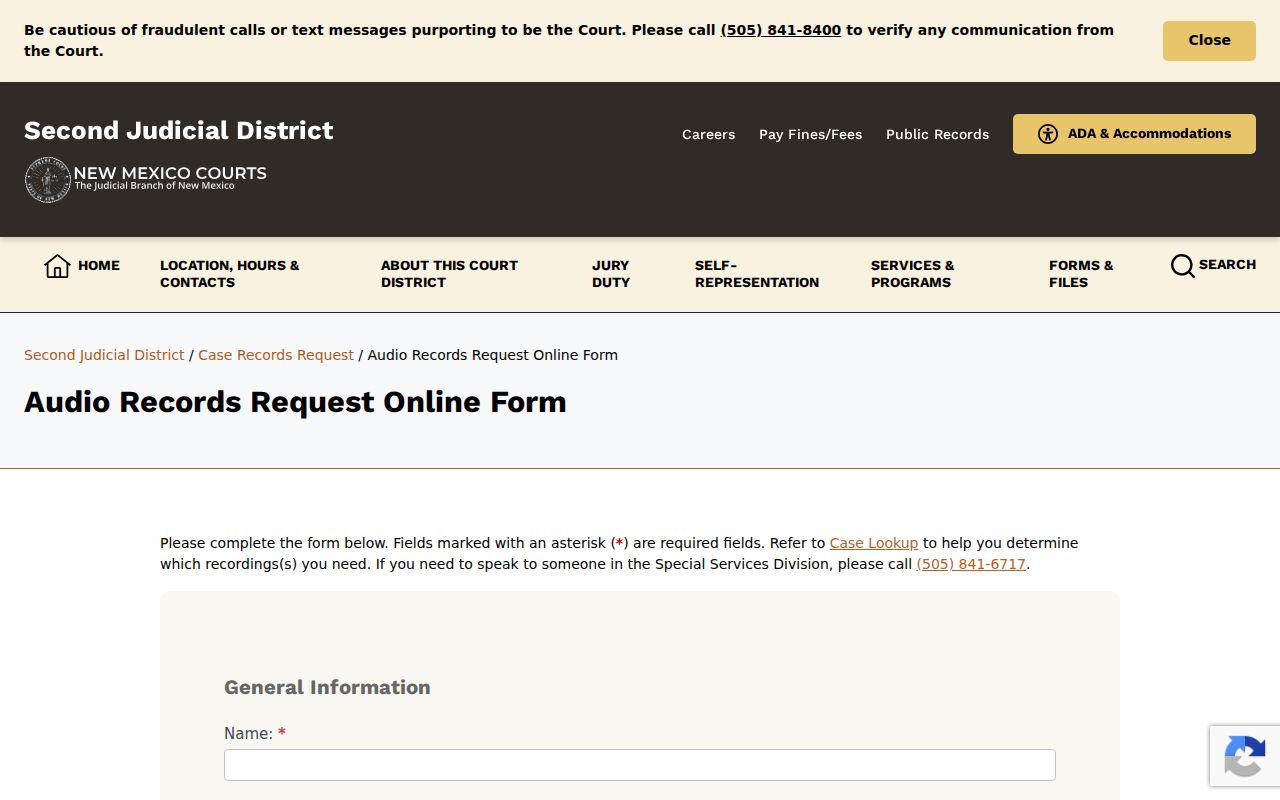
Give the San Miguel clerk a date, a hearing description, and a case number. That narrow audio request beats a blanket ask for the whole case file.
Public Access and Sealed Records
Court records in New Mexico cover more than most people expect. Docket entries and registers of actions sit alongside documents, exhibits, and transcripts. Access still bends to redaction, sealing, protected information, and other court rules. A sealed record may simply vanish from online results. Remember that a missing image or an empty result never proves no record exists.
Case Lookup offers redacted public access. Registered re:SearchNM roles can see more. Even so, online documents stay case-specific and hinge on digitization and rights. Federal records run on a separate track. Use PACER or federal CM/ECF and public terminals, not New Mexico IPRA.
Public record rules.
Rule 1-079 NMRA includes docket entries and registers of actions in court records while preserving sealing, protection, and redaction requirements.
New Mexico’s online case-access policy describes redacted public access and role-based document access through the judiciary’s systems.
NMSA 1978 Chapter 14, Article 2 and the judiciary IPRA portal provide the written-request route for public court records outside online access.
The New Mexico Supreme Court public-records page shows how the judiciary routes public-records requests and lists its custodian information.
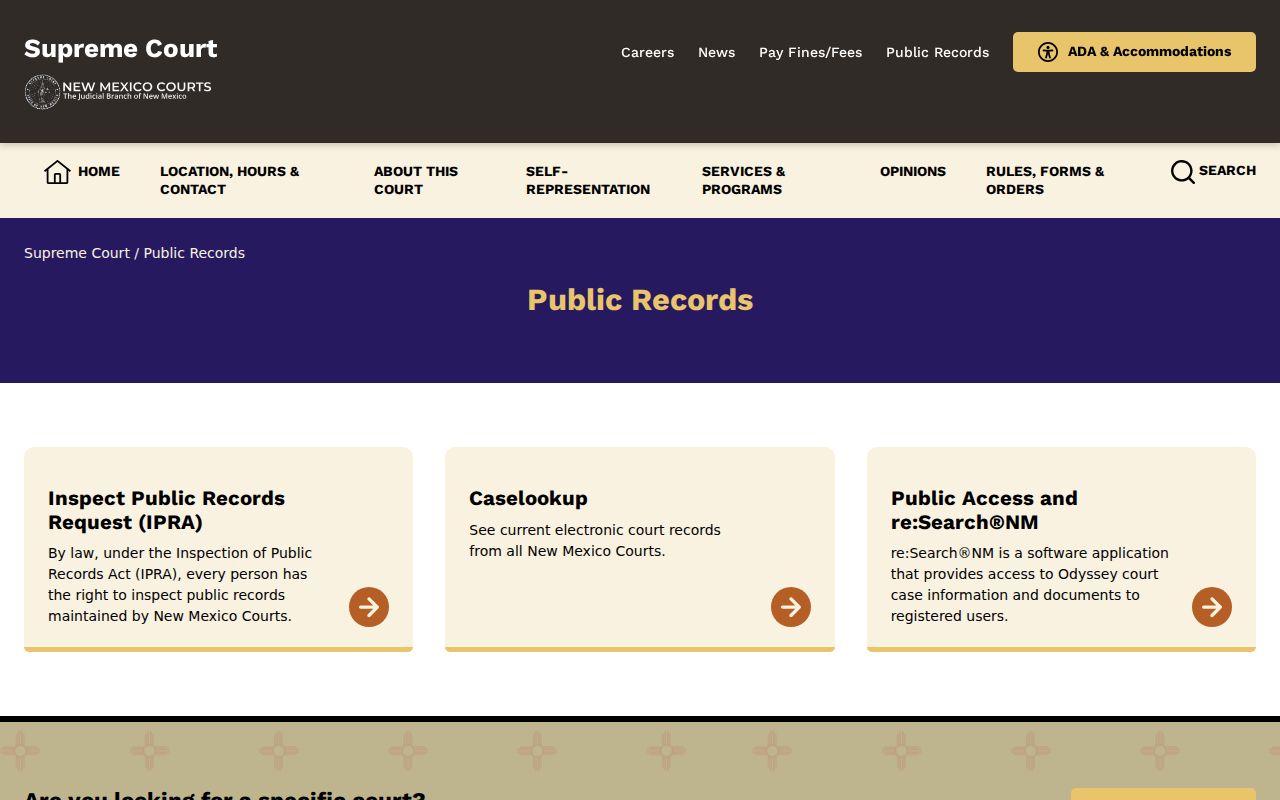
Statewide rules govern how a San Miguel County court record gets inspected, copied, redacted, or withheld under a sealing rule.
San Miguel Docket and Copy Types
Three items get confused in San Miguel County, and telling them apart saves time. The register of actions is the docket trail itself. A filing image is the underlying document. It can be restricted even when the docket event stays visible. A certified copy is a clerk-authenticated record you request for an official purpose. Name the exact item you want. Any online search, clerk inquiry, or IPRA request gets sharper.
- Register of actions
- The chronological docket record of filings, settings, orders, and other case events.
- Filing image
- The underlying document image, available only when it is digitized and access rules permit viewing it.
- Plain copy
- A non-certified copy or inspection result. Ask the responsible court about its current copy process.
- Certified copy
- A clerk-authenticated copy for an official purpose. It requires a separate request from ordinary online review.
A San Miguel County federal case lives in a different system. Use PACER and federal CM/ECF access rather than the state portal. Federal fees, records, and public-terminal rules stand apart. They do not follow the Fourth Judicial District Court or other New Mexico state court records.
Note: The court named on the case controls where the record goes. That holds even when several San Miguel public offices share similar addresses on West National Avenue.